COMPETITIVE FPS PLAYERS
For Fortnite, Valorant, Warzone, CS2, Apex and other fast competitive titles where frametime consistency and input response matter.
FPSLATENCYSTABILITY
 NOS TWEAKSPERFORMANCE LAB
GET STARTED →
NOS TWEAKSPERFORMANCE LAB
GET STARTED →
Professional, hardware-specific PC optimization built for competitive players who refuse to leave performance on the table. Windows, BIOS, CPU, GPU, RAM and games — tuned around your exact machine.
Every millisecond matters. We tune the full stack around the games you actually play: Windows, drivers, BIOS, CPU, RAM, GPU, input path and game settings. The goal is a faster-feeling, more consistent PC — not a generic preset.
SEE PRICING & BOOK →
OPTIMIZATION CORE
ANALYZE • TUNE • VALIDATE
For Fortnite, Valorant, Warzone, CS2, Apex and other fast competitive titles where frametime consistency and input response matter.
Find system bottlenecks, bad scheduling, background load, driver problems and settings that keep hardware from behaving as it should.
Power behavior, boost logic, memory training and CPU settings are reviewed around your actual hardware and cooling.
Memory frequency, timings and stability are tuned carefully for responsiveness and consistency — where the hardware supports it.
Drivers, services, startup behavior, overlays, scheduling and unnecessary background overhead are cleaned up for gaming.
We compare the machine before and after the session so you can see what changed and keep a clear record of the work.
Every session covers the full stack — BIOS, Windows, drivers, GPU, and game settings. Competitive adds deep CPU, RAM, and GPU overclocking on top.
You play Valorant, Fortnite, or Call of Duty and want smoother frames, less input delay, and fewer stutters when it counts.
Good specs on paper but your PC still feels slow, choppy, or worse than similar builds online.
We check PBO, boost limits, thermals, power settings, and stability before pushing anything further.
We manually tune your RAM timings on DDR5 and DDR4 kits when your board and memory can handle it safely.
Drivers, startup apps, overlays, game settings, and background junk — all cleaned up for stable gameplay.
You watch every change live. We benchmark at the end so you see the difference before the call is over.
Performance is not one switch. Hardware, Windows, drivers, memory, latency and the game profile all affect the same path. NOS TWEAKS connects those layers into one deliberate session.
Limits, thermals and platform capability define what is safe and useful.
The current install, background load and device stack shape the baseline.
The final path is aligned to the titles and response characteristics that matter.
Unnecessary load and startup overhead are reduced where appropriate.
Power, input, memory and game-side choices are aligned as one system.
The session closes with stability checks and a clear record of what changed.
A hardware-aware manual tuning path built around your machine, Windows setup and the games you actually play.
Review hardware, temperatures, firmware context, Windows state and the games that matter before selecting any changes.
Responsiveness
Frame consistency
System stability
Game-specific fit
Tell us what you run and what you want to improve. The checker recommends a service depth — it does not predict benchmark gains.
Deep hardware-aware tuning for competitive play and lowest-latency goals.
Core Windows, driver and gaming optimization for a cleaner, responsive system.
CPUWaiting for input
GPUWaiting for input
RAMWaiting for input
GAMEWaiting for input
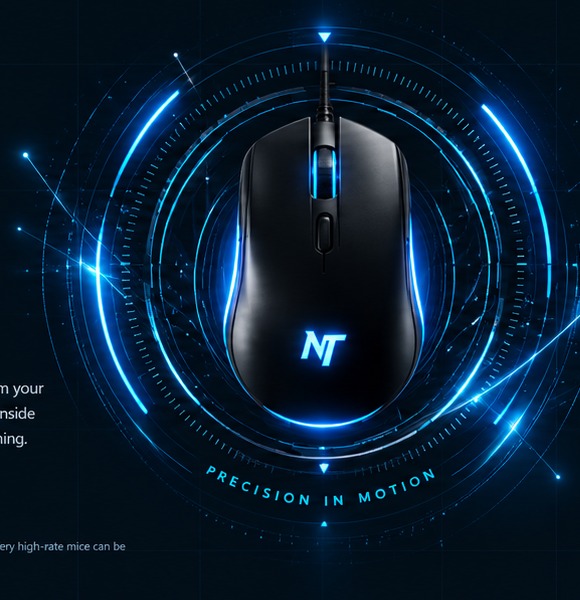
Measure the pointer update frequency your browser receives from your mouse. Start the test, move the mouse quickly and continuously inside the test zone, and the live engine estimates Hz from real event timing.
For the cleanest result, close heavy apps and keep moving the mouse for several seconds. Very high-rate mice can be limited by browser/OS event coalescing.Real gameplay screenshots from the titles you care about. No AI-generated game imagery in this section.
VIEW MORE RESULTS →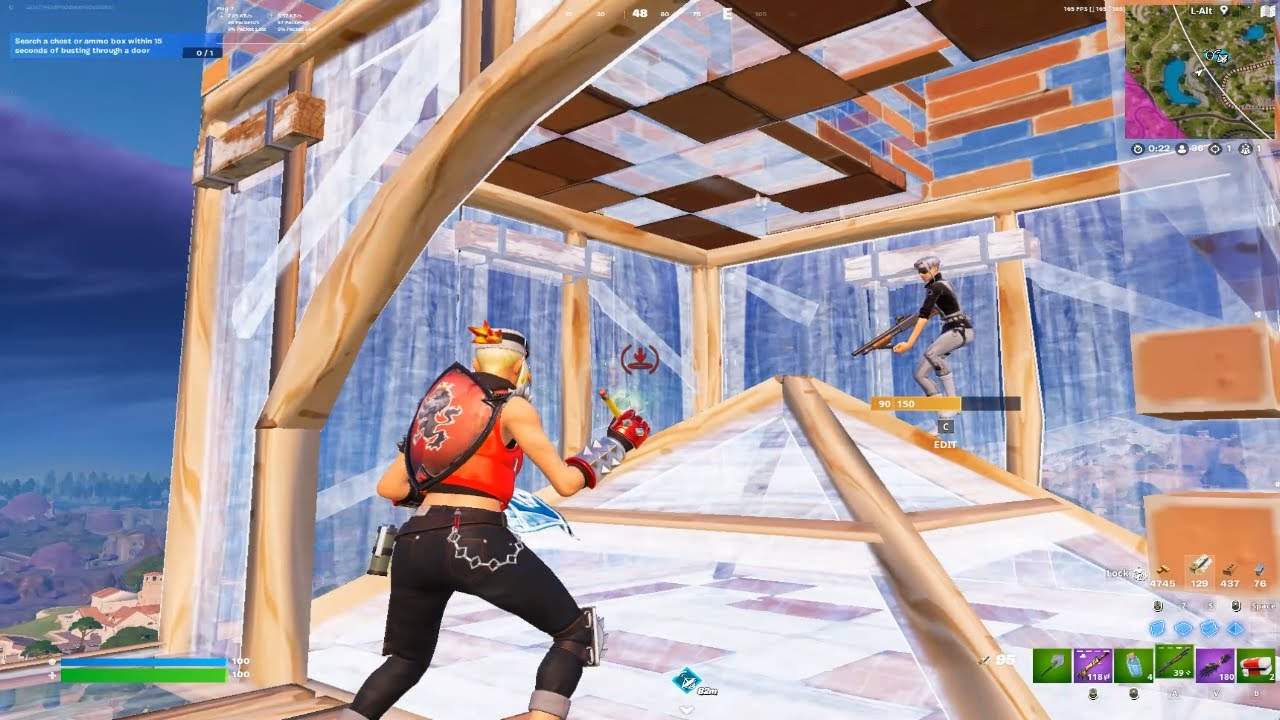 FORTNITE
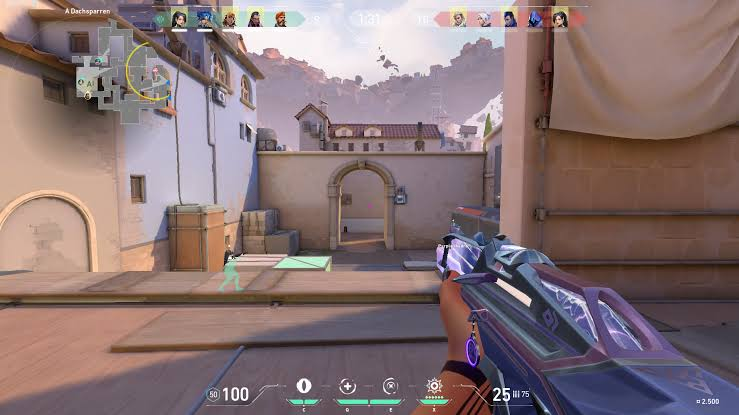 VALORANT
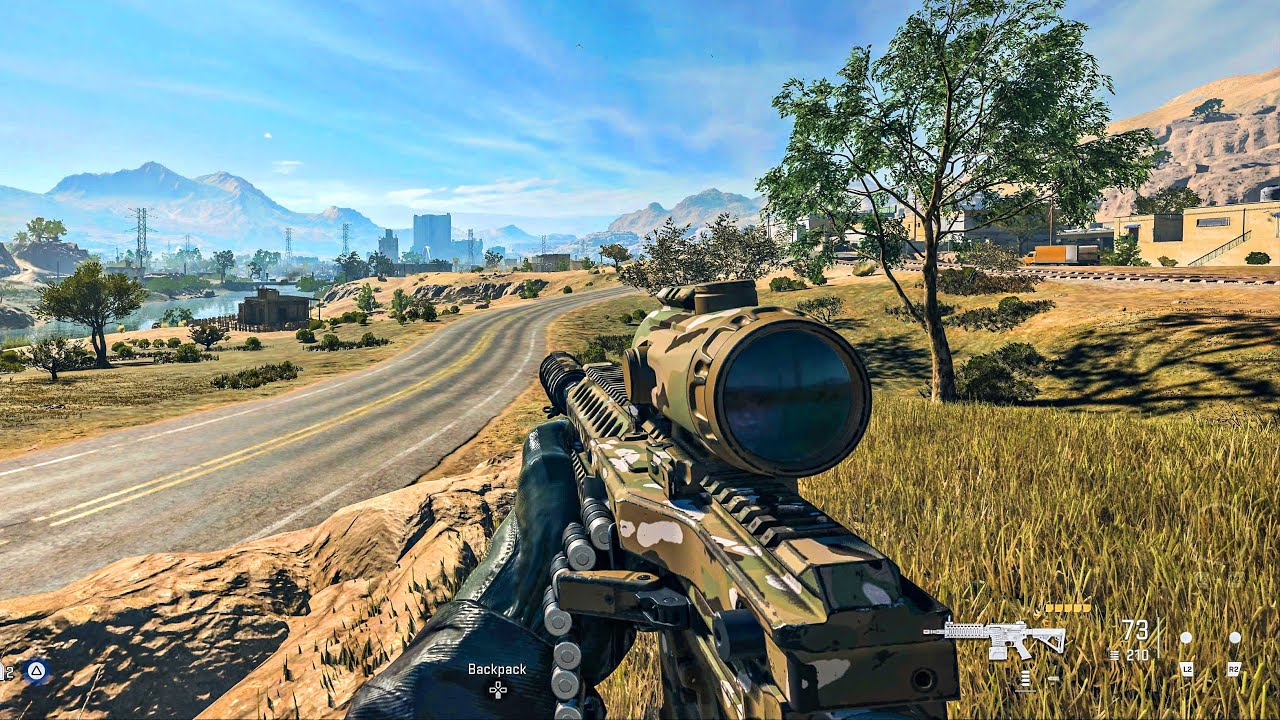 CALL OF DUTY
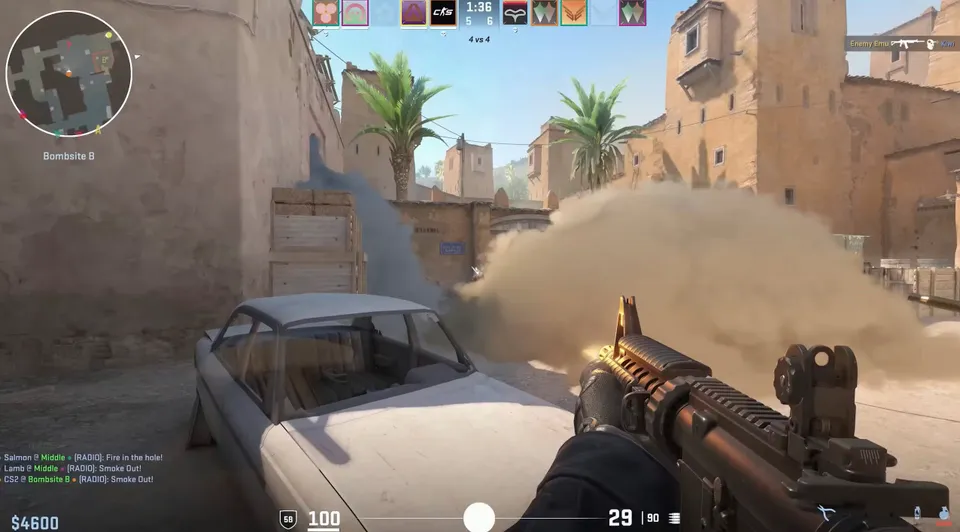 CS2
CS2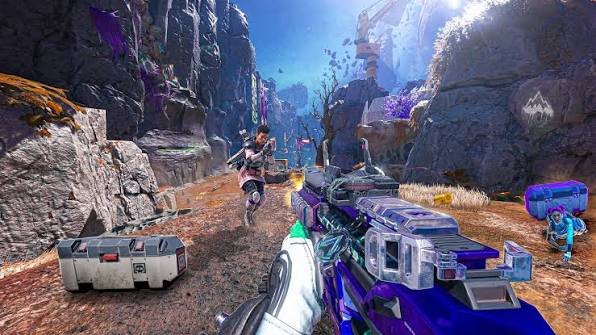 APEX LEGENDS
Two manual service tiers. Both are configured around your actual hardware, Windows install, games and goals — not a generic preset or cleanup script.
The full NOS Tweaks tune-up focused on Windows, BIOS, drivers and games. Built for players who want a clean, responsive gaming system without the deeper CPU/RAM/GPU overclocking work.
Everything in Advanced plus deeper CPU, RAM and GPU work for competitive systems where latency, frametimes and consistency matter most.
Results depend on the starting condition of the PC, hardware, cooling, drivers, game settings and workload. No fixed FPS gain is promised.
Feedback and performance captures carried over from your original site. Individual results vary by hardware, settings, thermals, game scene and test conditions.
No fixed FPS gain is guaranteed. Performance depends on the system, game, settings and test conditions.
After booking, we coordinate the session through Discord. Your PC is reviewed live, the current setup is checked, and changes are selected around your actual hardware, games and goals — not a random one-size-fits-all preset.
No fixed gain is guaranteed. Results depend on your hardware, the game, your current drivers, thermals, settings and how well the PC was already configured before the session.
Yes. Competitive profiles can be tailored around games such as Fortnite, Valorant, CS2, Warzone and Apex whenever those titles are relevant to your session and system.
Laptops can also be reviewed, but the tuning must respect the thermal and power limits of the specific device. The approach is adapted to what is actually safe and realistic for the machine.
No. Configuration tuning can help identify symptoms and remove software-side bottlenecks, but defective or insufficient hardware may still need repair, replacement or an upgrade.
Choose the plan that fits your setup, or join Discord first if you want help deciding before you book.